
Avast Antivirus
Avast Antivirus is a free antivirus program from Avast Software for Windows, also available for macOS, Android and other platforms.
0.9 GB

Avast Clear, also called the Avast Uninstall Utility, is a free Windows tool from Avast that fully removes Avast antivirus products when the standard uninstaller fails.
Average 0.0 · ratings: 0
Thank you! Your rating is saved; you can change it. Could not save the rating. Please try again later. Too many ratings from your network today. Please try again tomorrow. The average appears after 5 ratings.
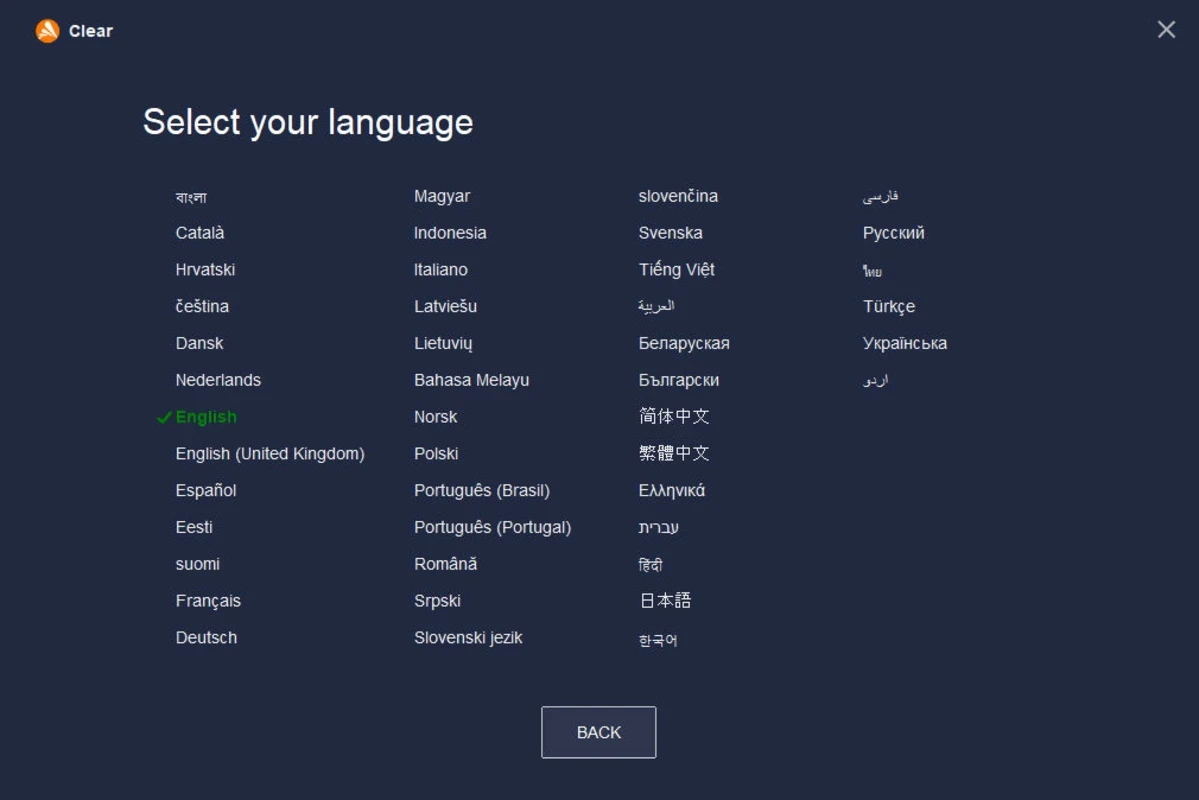
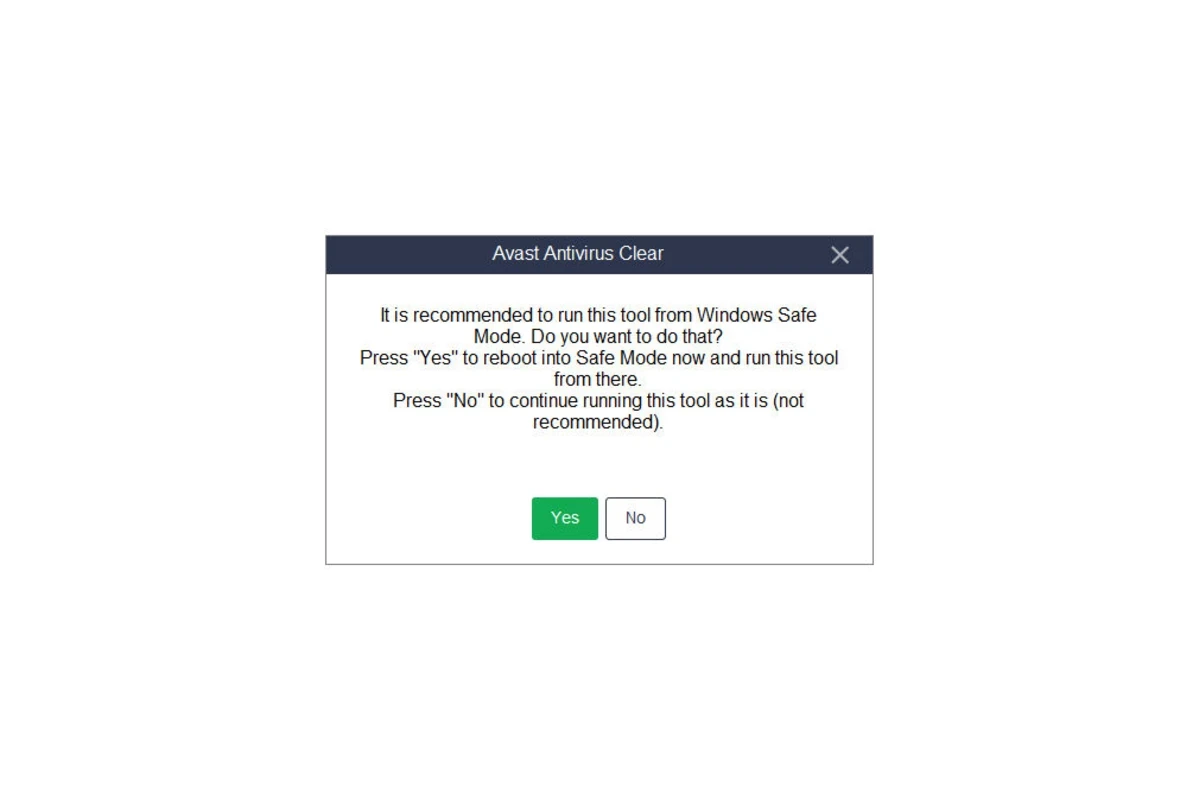
Avast Clear 26.4.10932.0 is the official Avast Uninstall Utility for Windows, a free tool that removes Avast antivirus products when the usual uninstall in Windows settings does not work. Download Avast Clear if Avast refuses to uninstall, leaves broken services behind or blocks the installation of another security program.
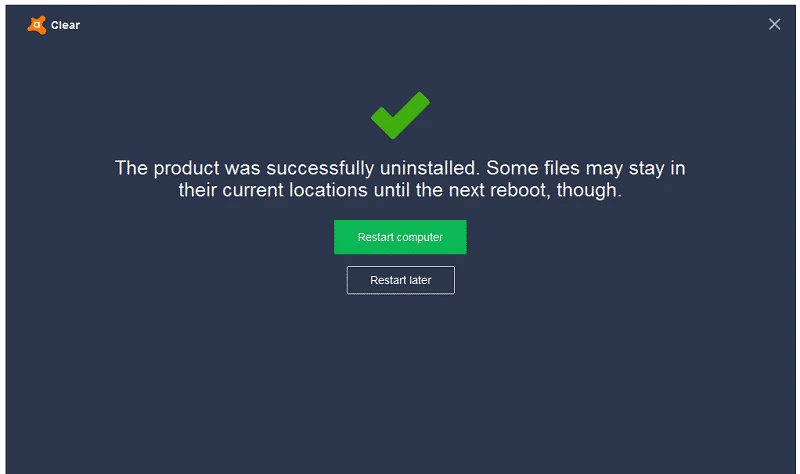
An antivirus is not an ordinary program. It installs drivers that sit deep in the system, protects its own files against tampering and registers services that start before the desktop appears. That self-defence is exactly what makes it hard to remove when something goes wrong: an interrupted update, a damaged installation or a failed upgrade can leave the product half-installed, and the normal uninstaller then stops with an error. Leftover drivers may also conflict with a different antivirus, which is why security vendors publish dedicated cleanup tools. Avast Clear is Avast's version of such a tool. It starts in Safe Mode, where the protection modules are not loaded, and deletes program files, drivers, services and registry entries of the selected Avast product. After a restart the system is ready for a clean reinstall of Avast or for another product.
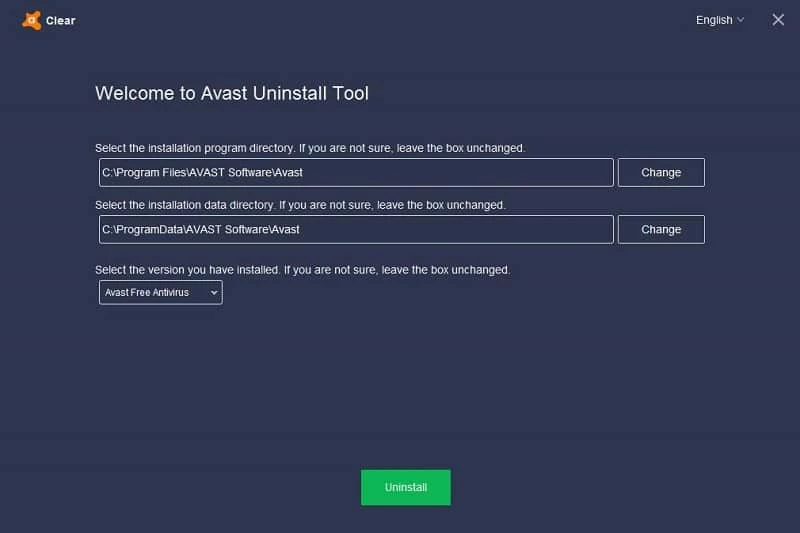
If you installed Avast in a custom folder, point the utility to that folder, otherwise some files will stay behind.
The utility is free and does not require an Avast account.
If you are replacing Avast, our site has other security products: Avira Free Security, Bitdefender Antivirus, Malwarebytes and AVG Antivirus. For removing adware left after unwanted installs, there is AdwCleaner.
Avast Antivirus is a free antivirus program from Avast Software for Windows, also available for macOS, Android and other platforms.

Norton Antivirus is commercial antivirus and computer security software for Windows, available as a trial before purchase.

AdwCleaner is a free Windows tool from Malwarebytes for finding and removing adware, unwanted programs and browser hijackers.

AVG Antivirus is a free antivirus for Windows from AVG Technologies with real-time scanning, web protection and optional paid features.

Adaware Antivirus is a Windows antivirus from Lavasoft, the company behind the long-running Ad-Aware anti-spyware tool, with a free edition.

Malwarebytes for Windows is anti-malware software that scans for and removes malware, ransomware, adware and unwanted programs.

Panda Antivirus is a security program for Windows from Panda Security, protecting against viruses and other malware.

UsbFix is a Windows tool from SOSVirus that detects and removes malware spread through USB flash drives and helps recover files the malware has hidden.